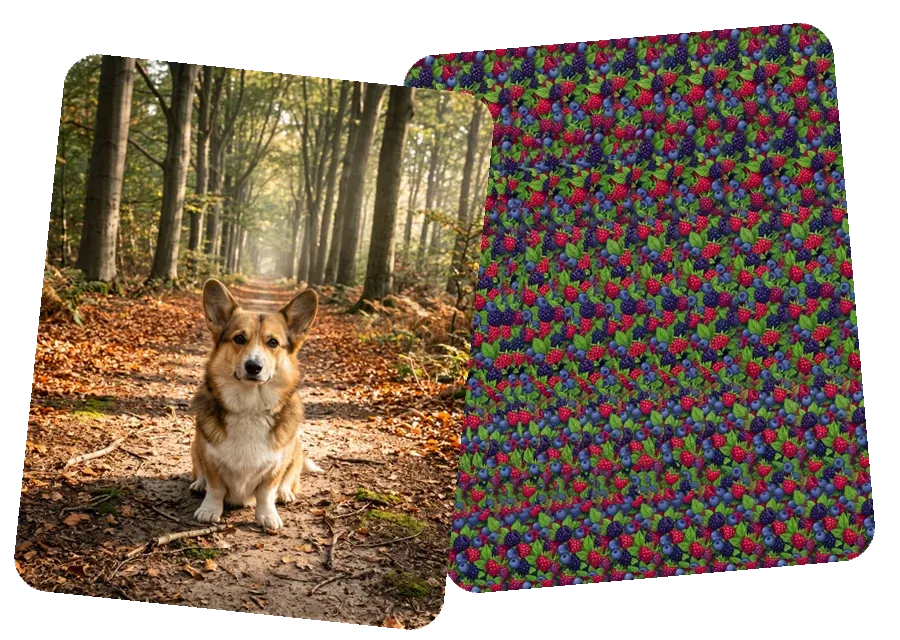
Three photos, three stereograms

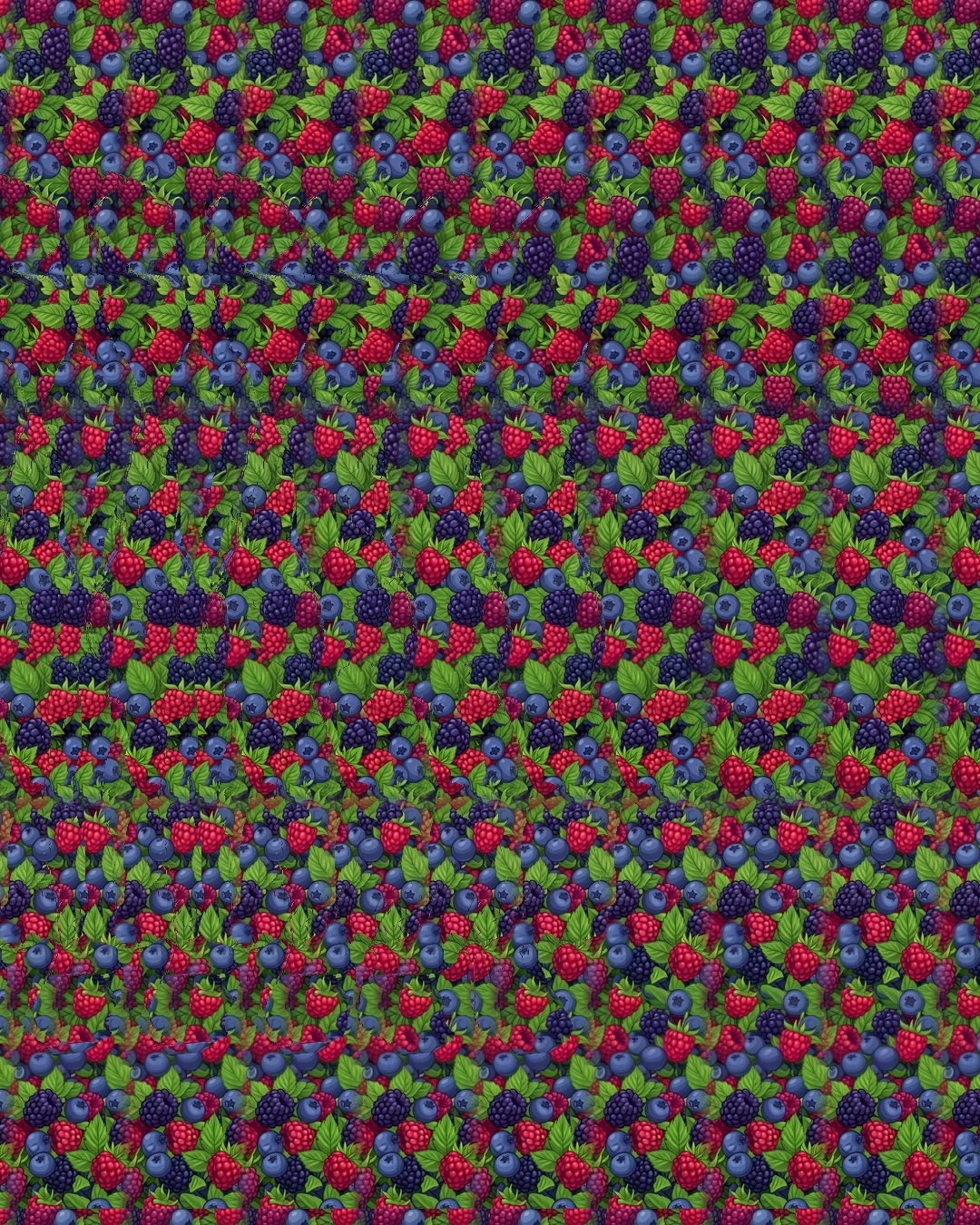
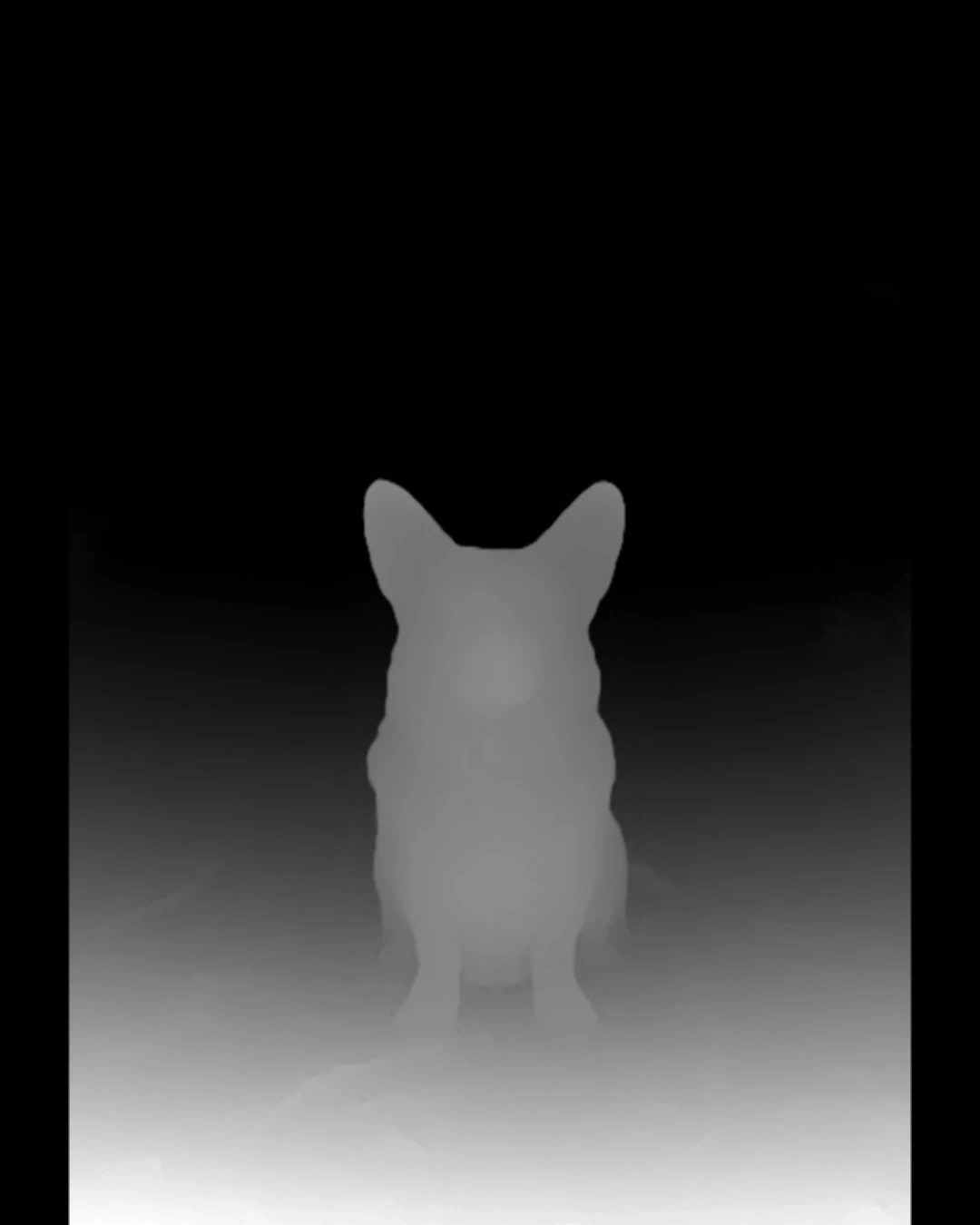
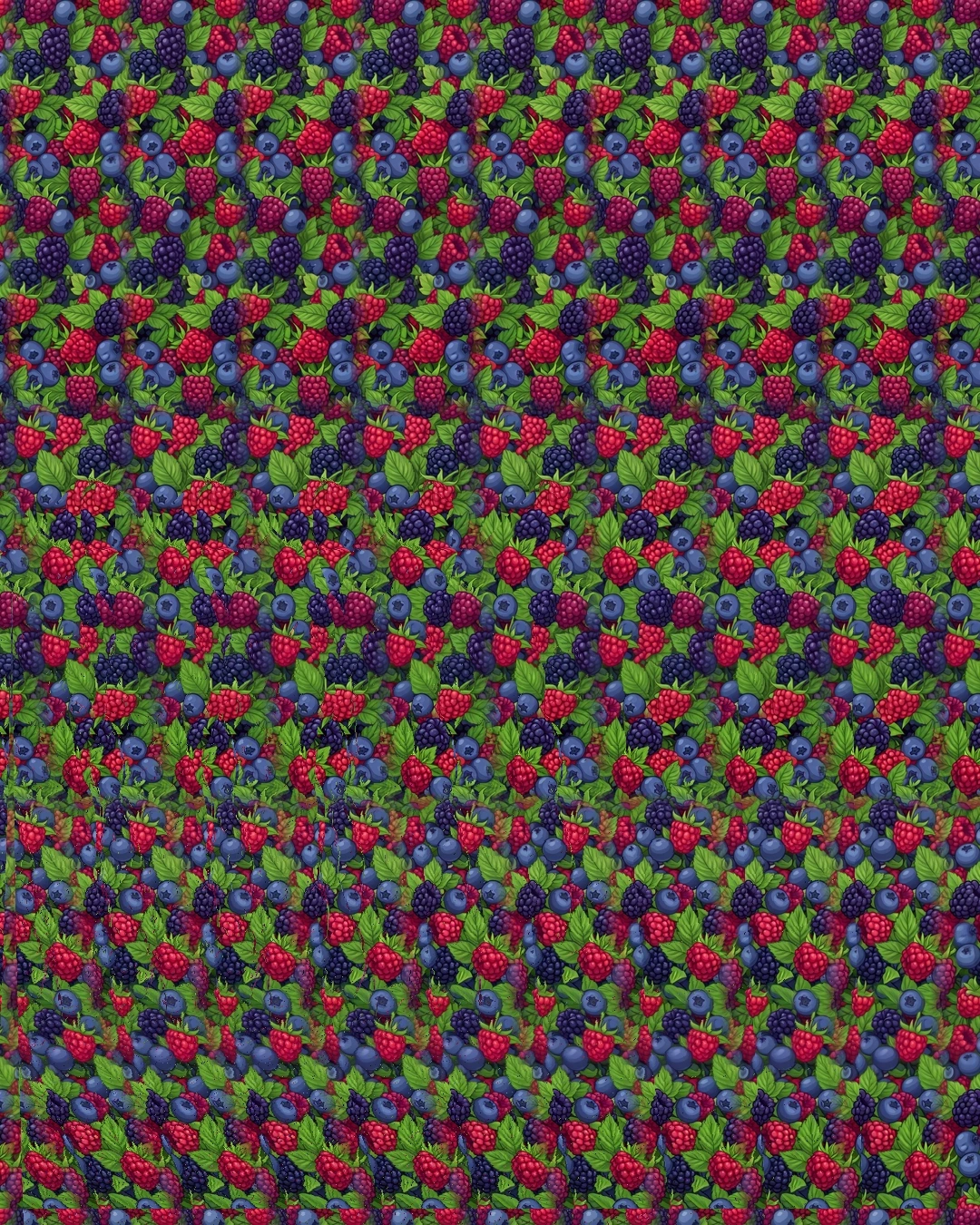

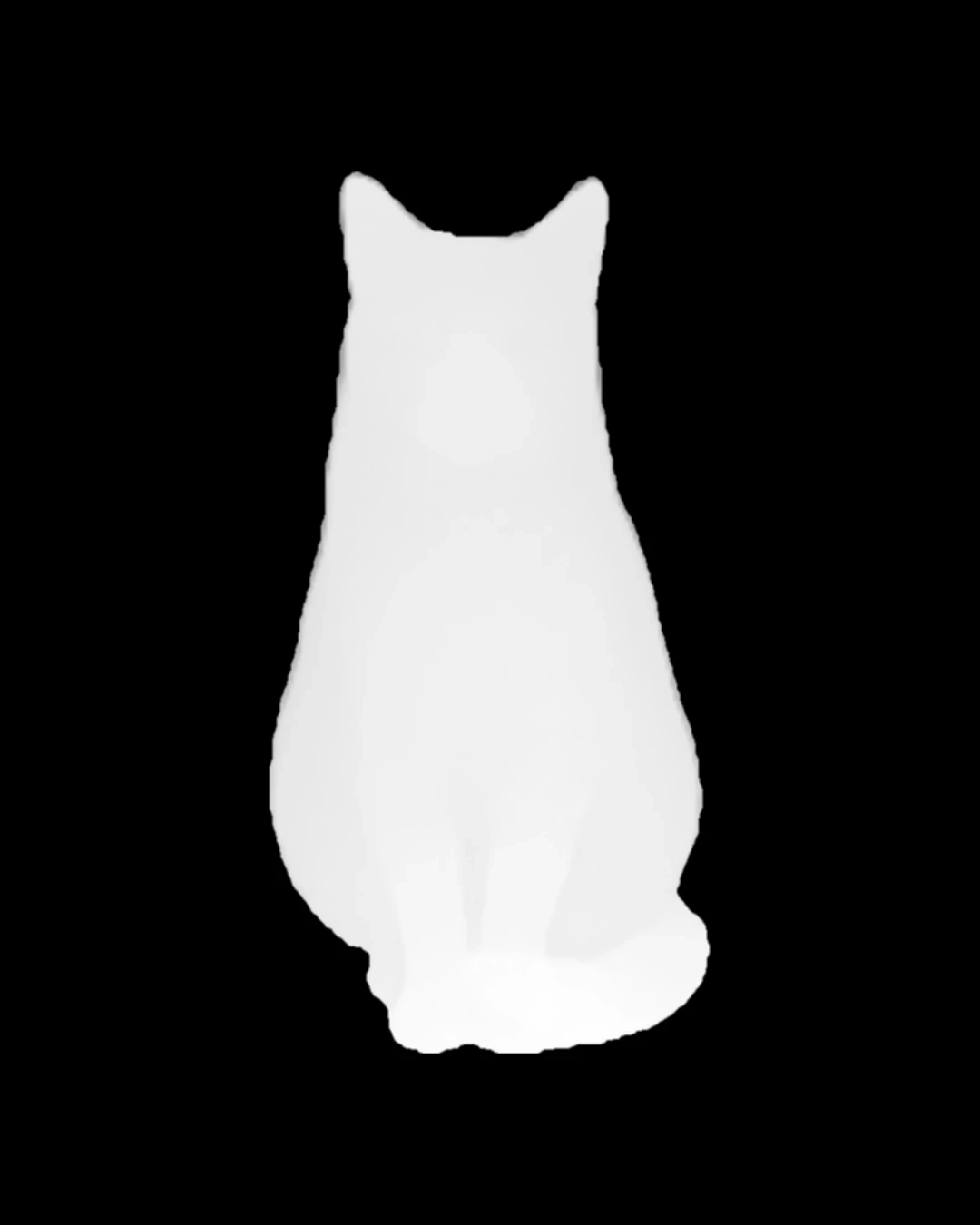
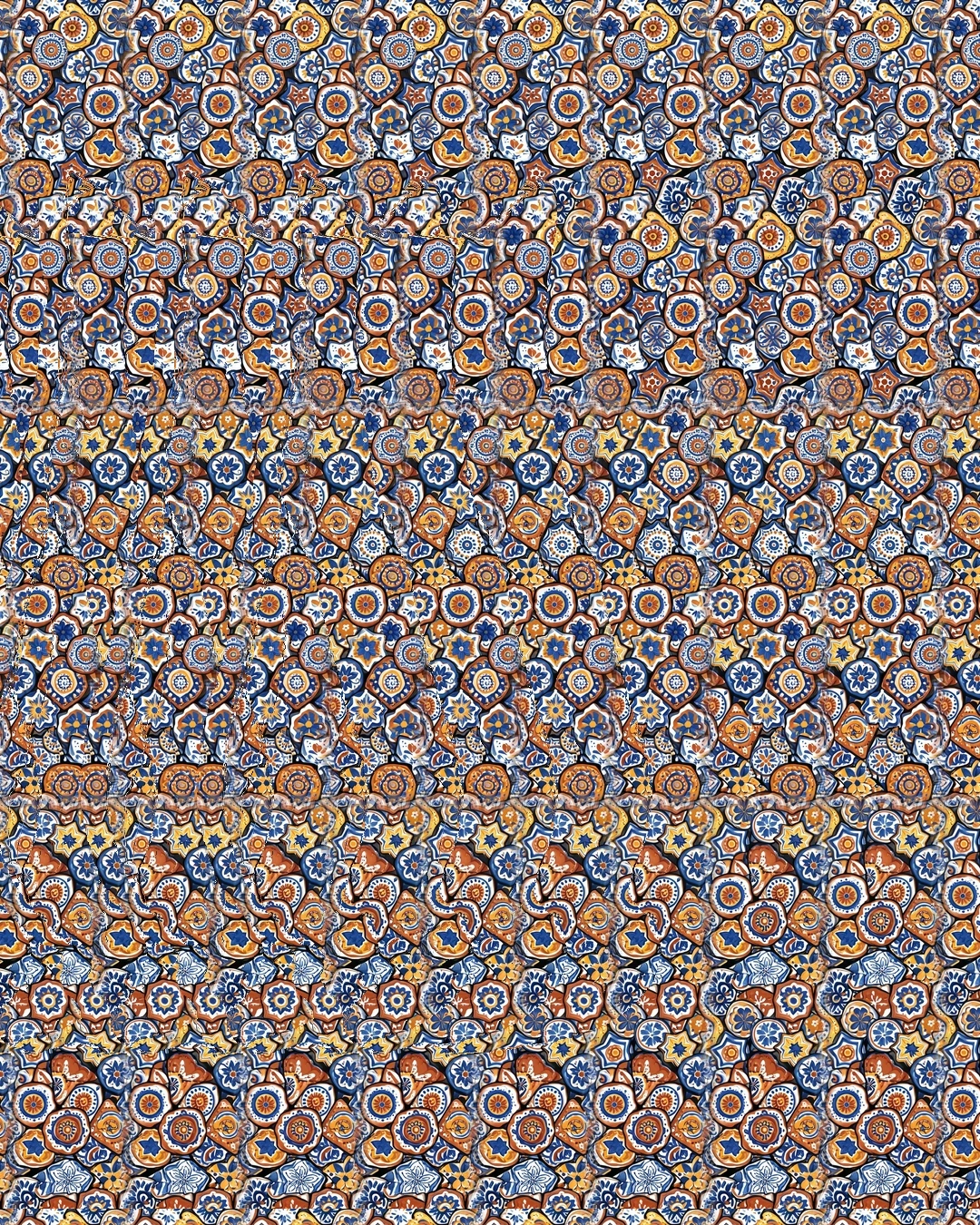
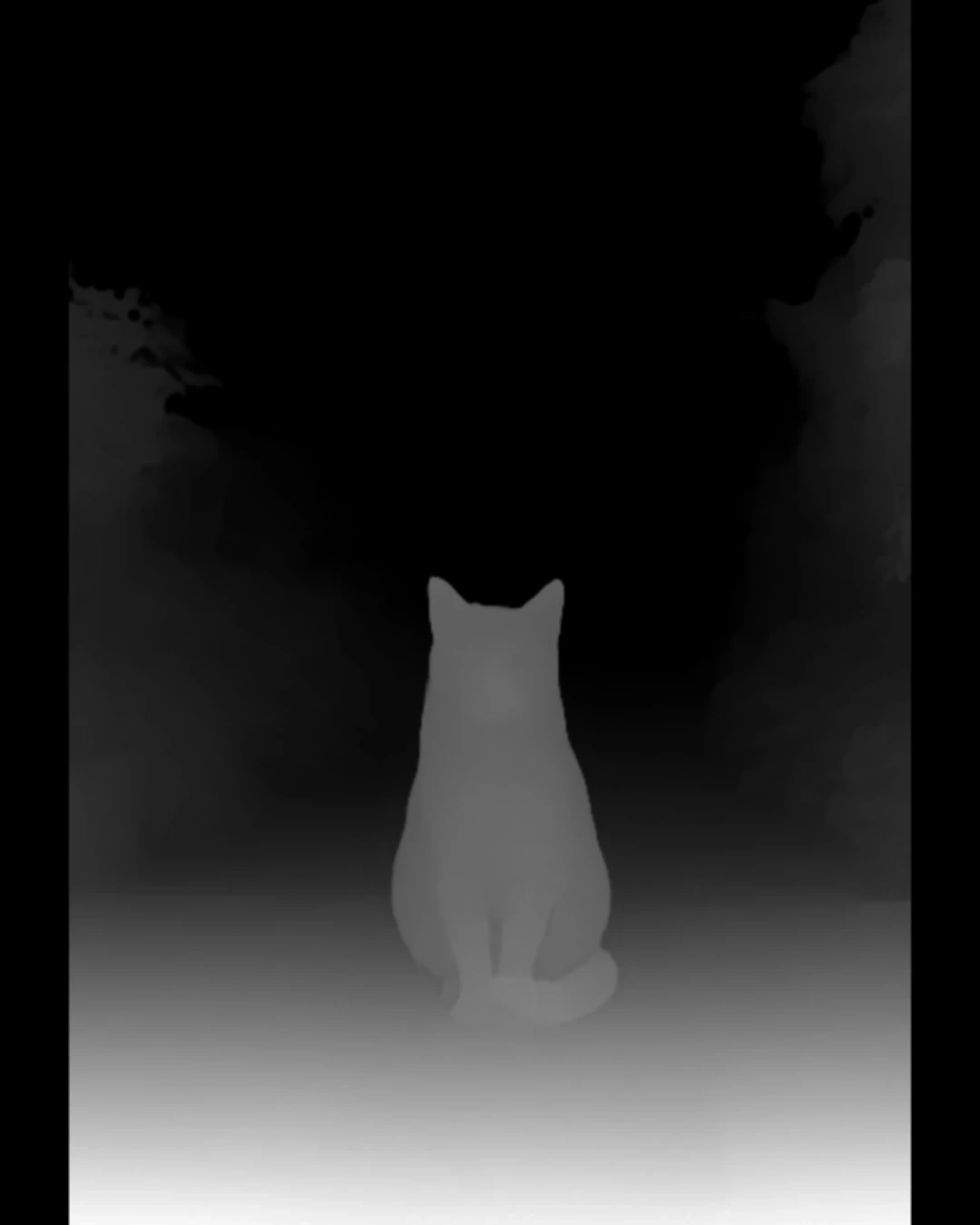
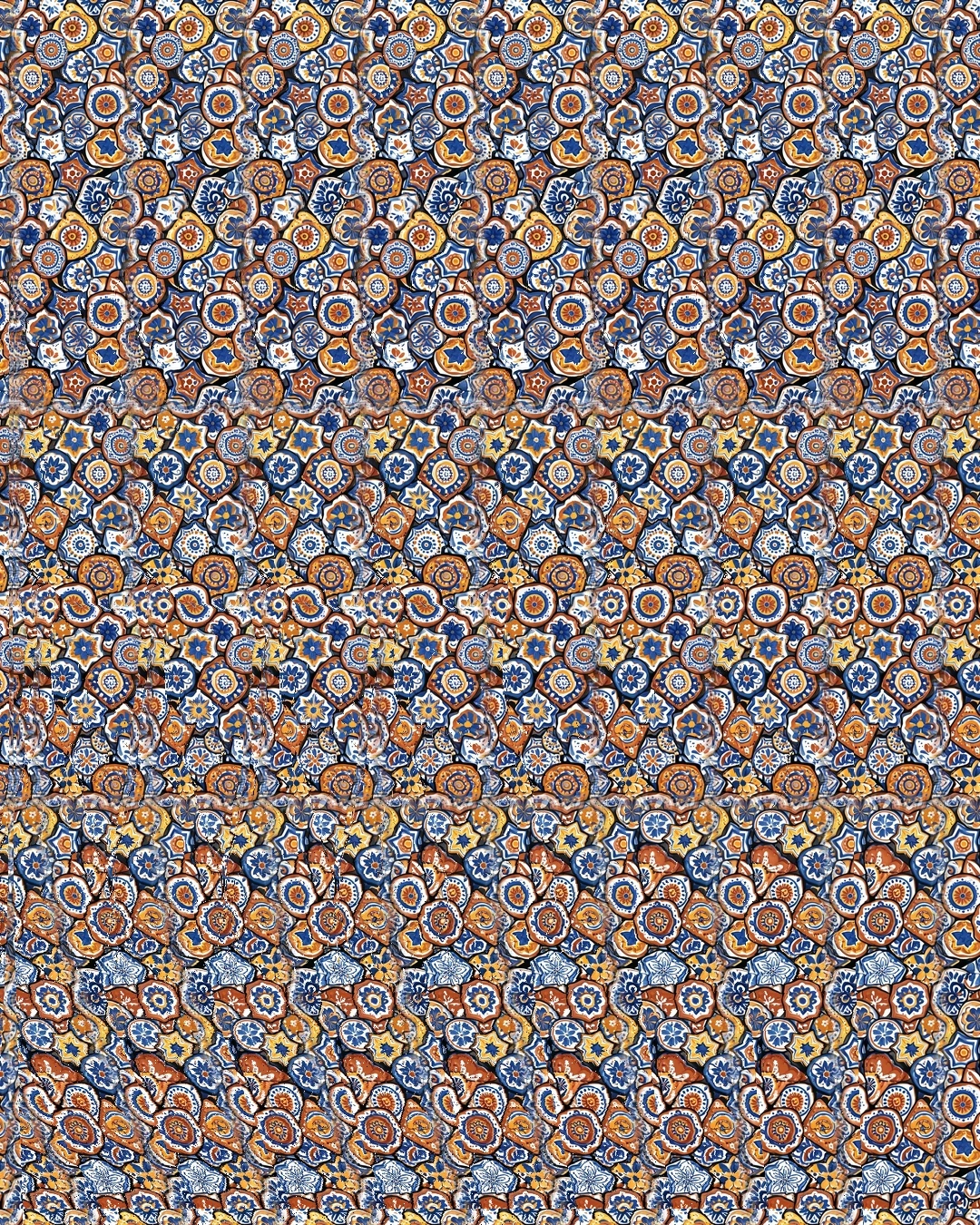
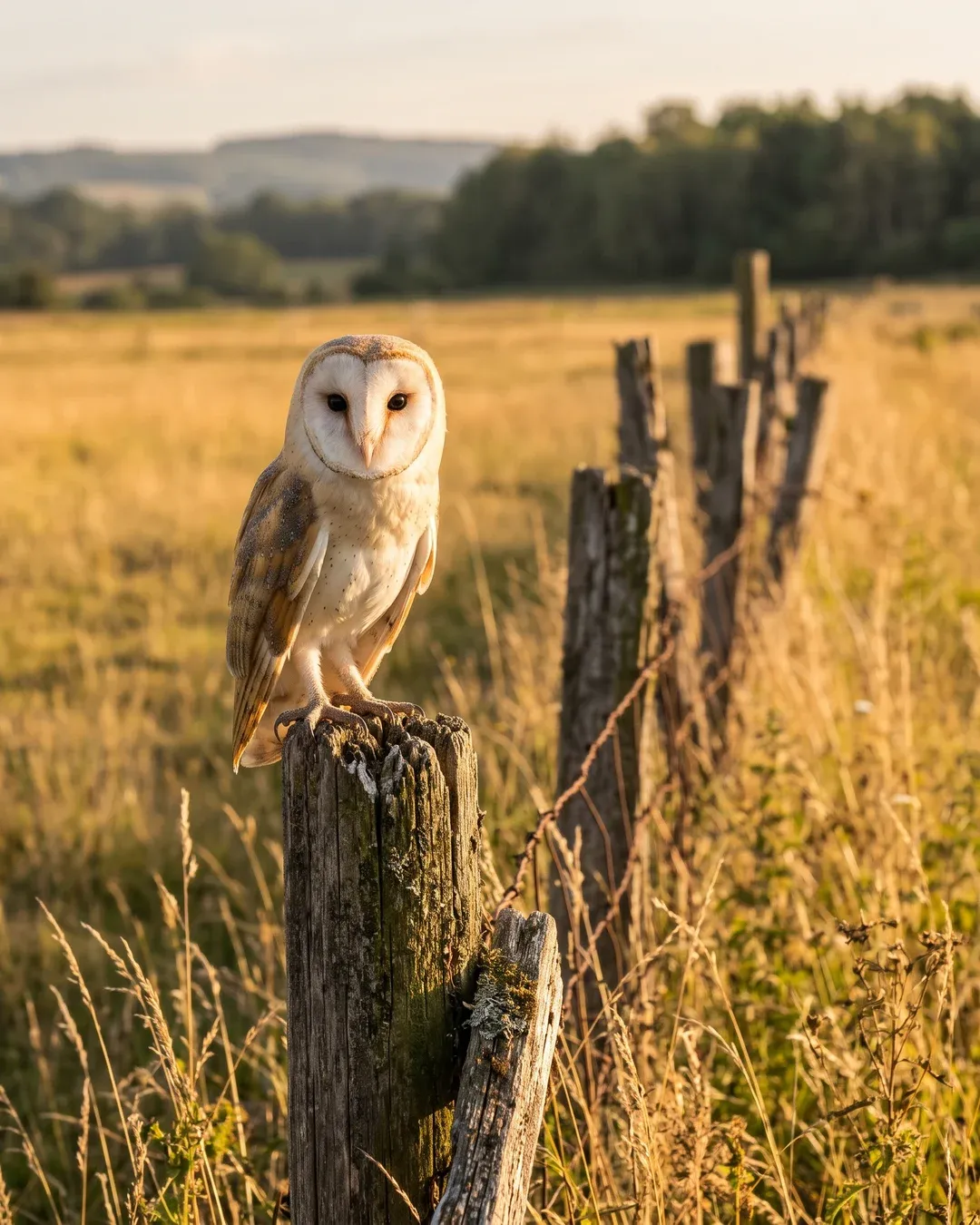
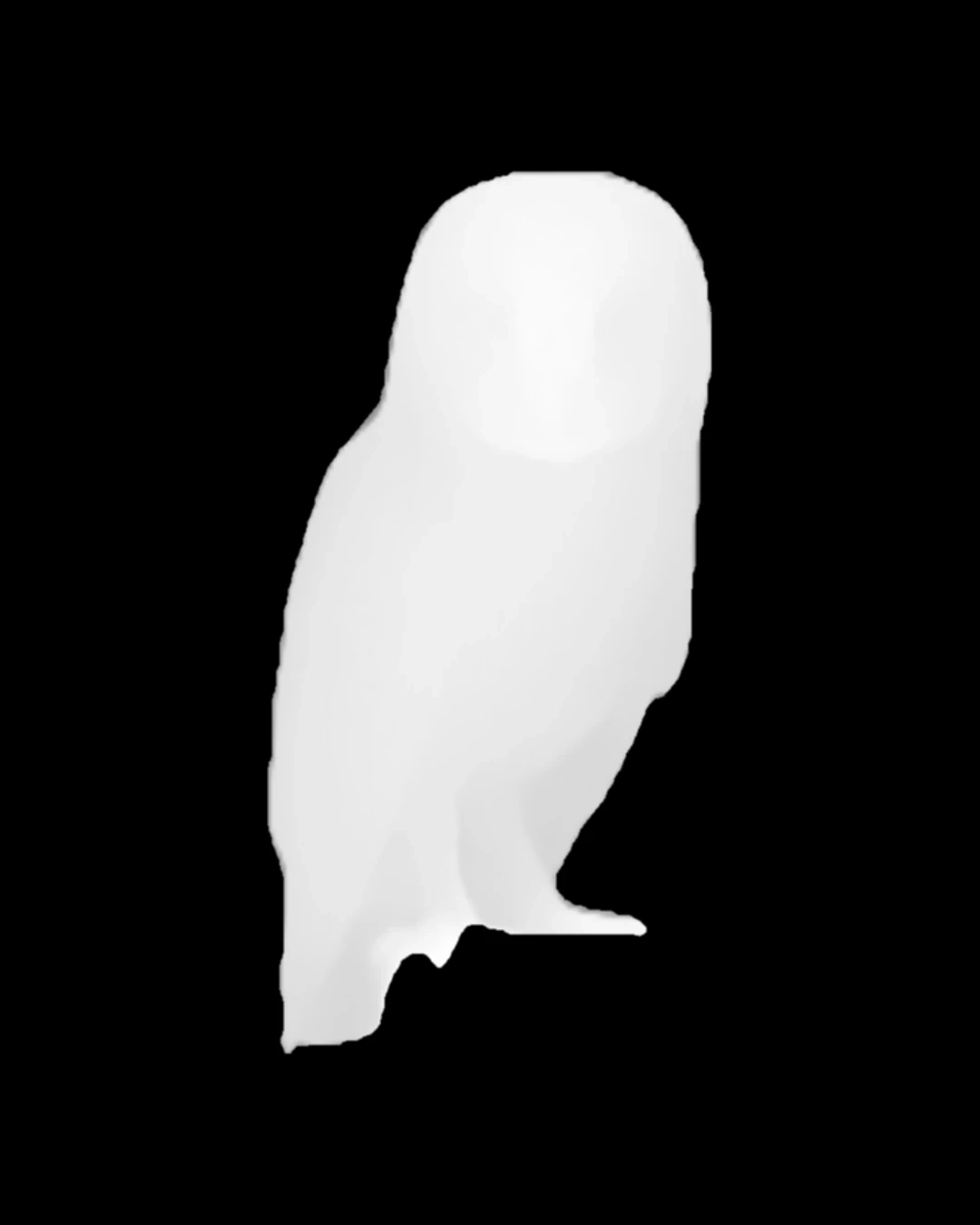
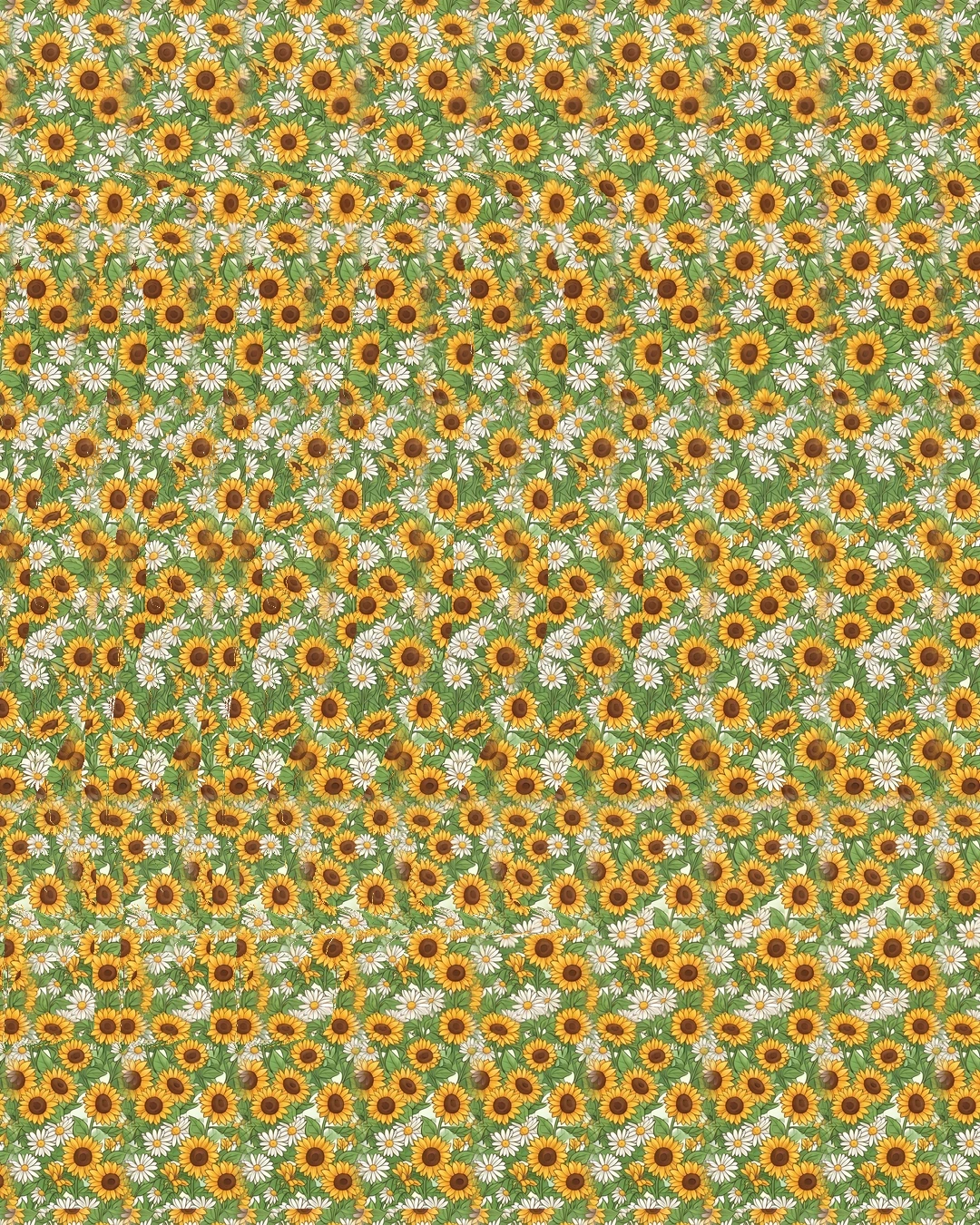
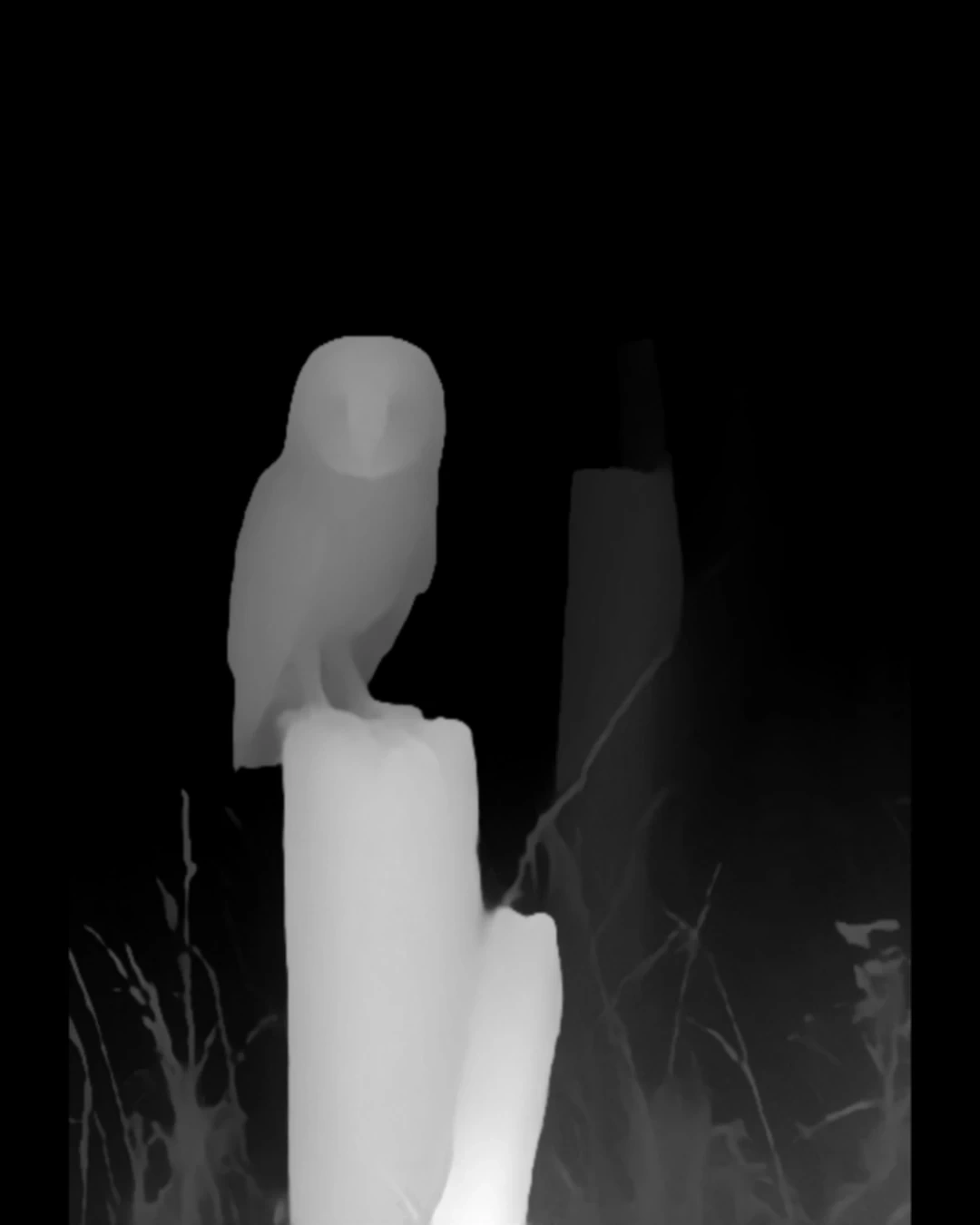
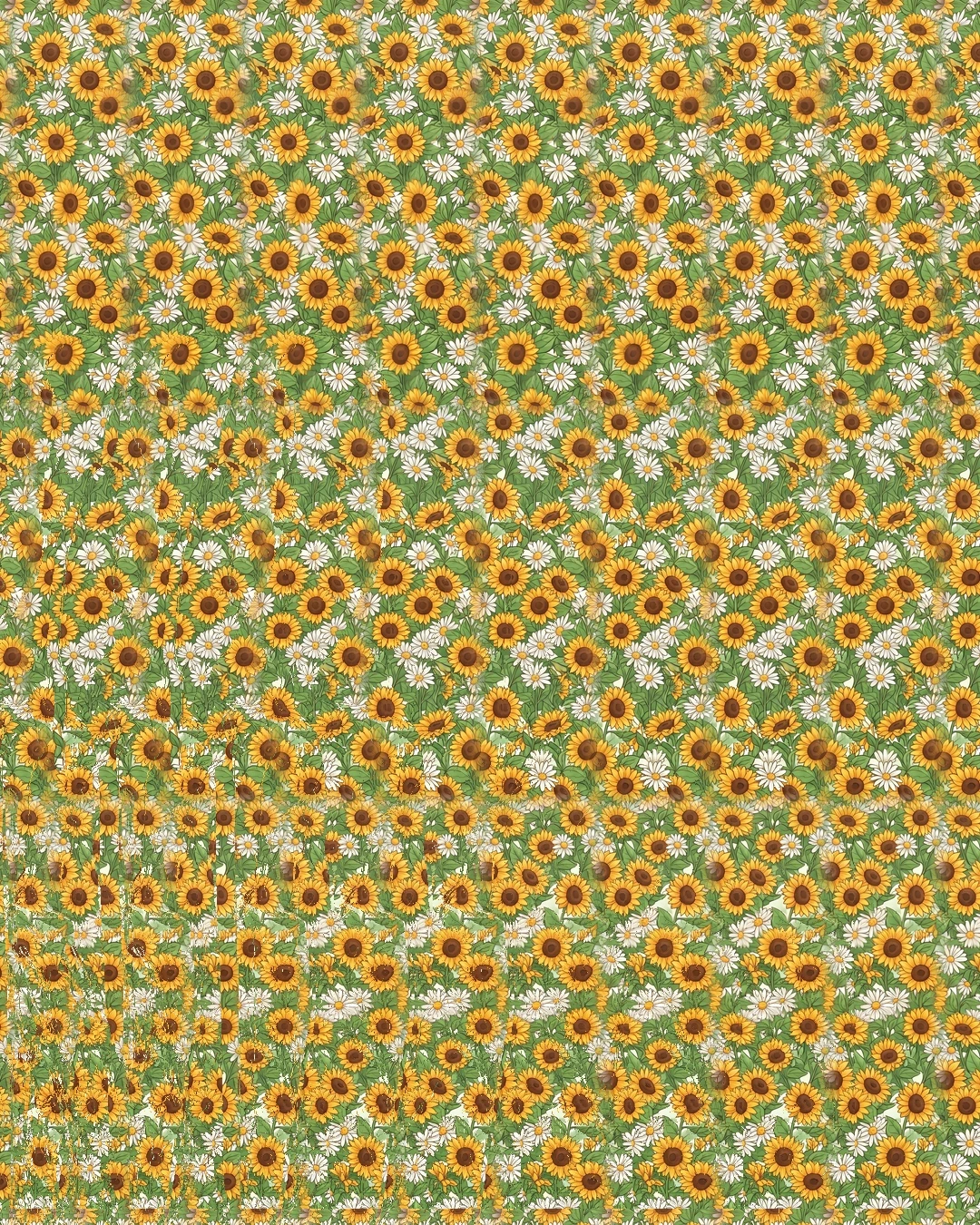
Subject: the animal in the photo is cut from its background and hidden as a relief in front of a flat ground.
 Texture: Forest berries
Scene: the whole photo keeps its own depth; what is near comes forward, what is far stays back.
Texture: Forest berries
Subject: the animal in the photo is cut from its background and hidden as a relief in front of a flat ground.
 Texture: Tile motifs
Scene: the whole photo keeps its own depth; what is near comes forward, what is far stays back.
Texture: Tile motifs
Subject: the animal in the photo is cut from its background and hidden as a relief in front of a flat ground.
 Texture: Sunflowers
Scene: the whole photo keeps its own depth; what is near comes forward, what is far stays back.
Texture: Sunflowers
Now it's your photo's turn
Open the Studio in the Stereogram app and pick a photo from your gallery; choose its texture or pattern, then save and share.
How does a photo become a stereogram?
- It finds the subject. Your phone's own image recognition (Apple Vision on iPhone, Google ML Kit on Android) separates the person, animal or object in the photo from the background.
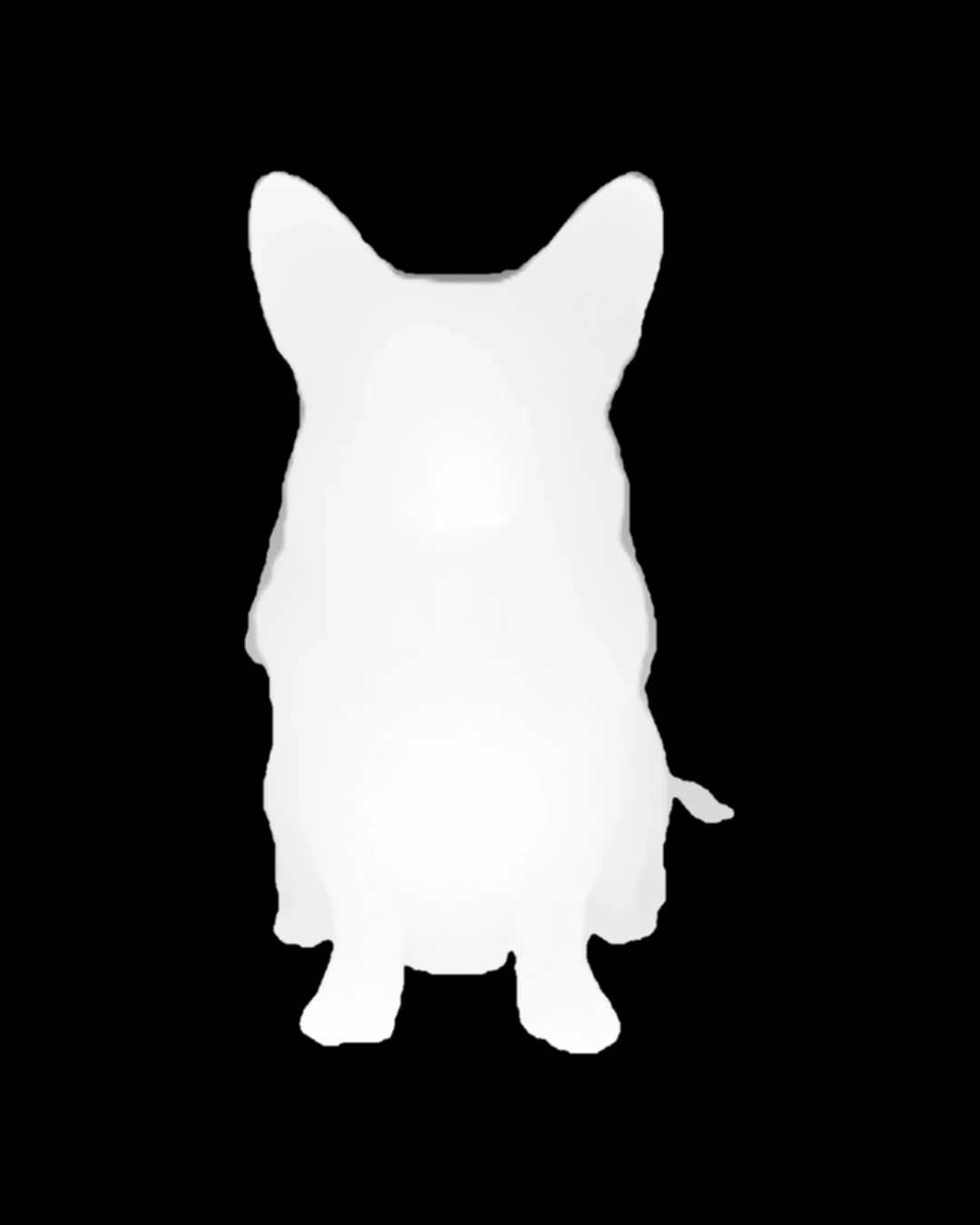
- It works out the depth. An AI model called Depth Anything estimates how near every point of the photo is and makes a grayscale depth map: white is near, black is far.
- It hides it in a texture. The app repeats the texture you chose horizontally and shifts it according to the depth map. When your eyes merge two copies, the shape from your photo pops out in 3D.
- Save or share. Save the stereogram to your phone or send it to a friend, and let them look for what you hid inside.
It all takes a few seconds and needs no internet. Only the depth model downloads once, with your first photo (27 MB); after that it works even in airplane mode.
Subject or scene?
The Subject look brings one thing forward: a pet, a person, a toy. The background is removed and the subject stands out in front of a flat ground. This is the easiest one to see.
The Scene look uses the whole photo: a street, a room, a landscape. What is near comes forward and what is far stays back, which looks great in photos with real depth. If the photo has no clear subject, the app switches to the scene by itself, and one tap takes you back and forth between the two.
Every chapter has its own textures
Stereograms are now drawn with illustrated textures instead of random color dots: flowers, leaves, corals, stars, sweets. Every chapter of the game has textures of its own, and in the Studio you hide your photo in one of them. Small shapes facing every way also make it easier for your eyes to merge the two copies.
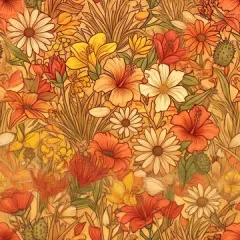 Savanna flowers
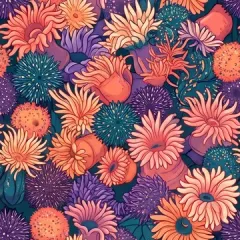 Sea anemones
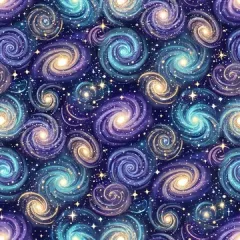 Galaxies
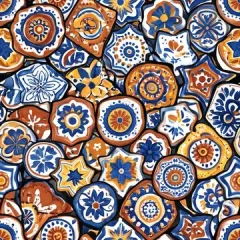 Tile motifs
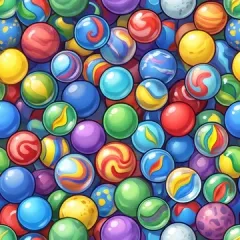 Marbles
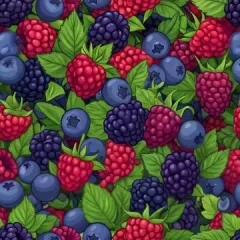 Forest berries
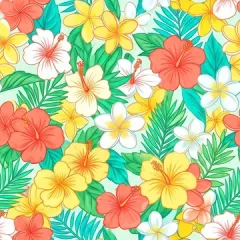 Tropical flowers
 Carnival masks
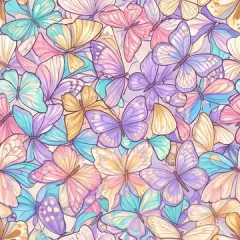 Butterfly wings
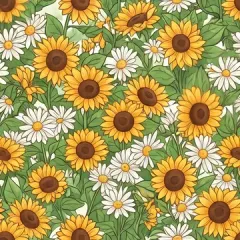 Sunflowers
 Snowflakes
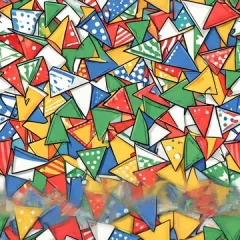 Pennants
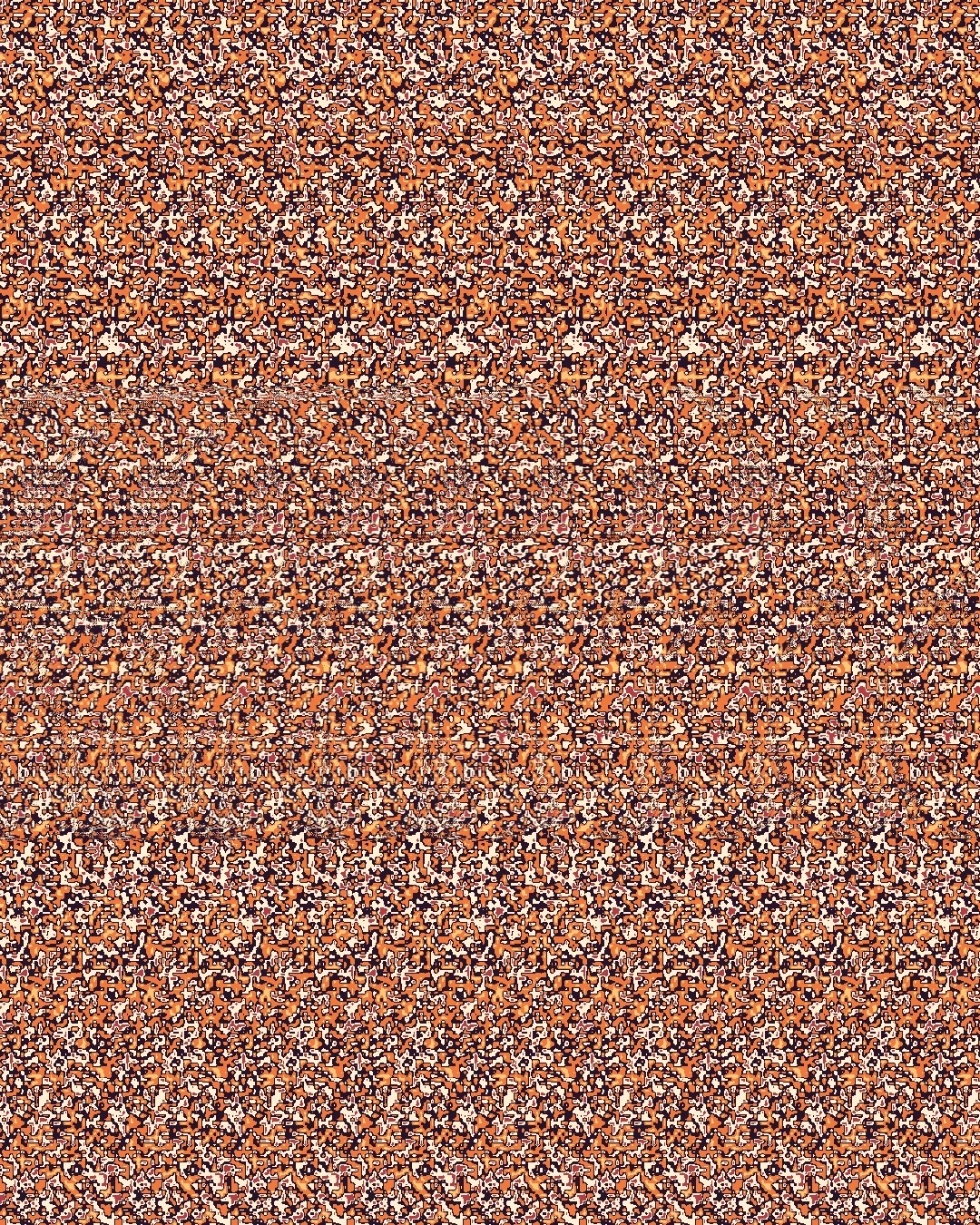
With a color pattern
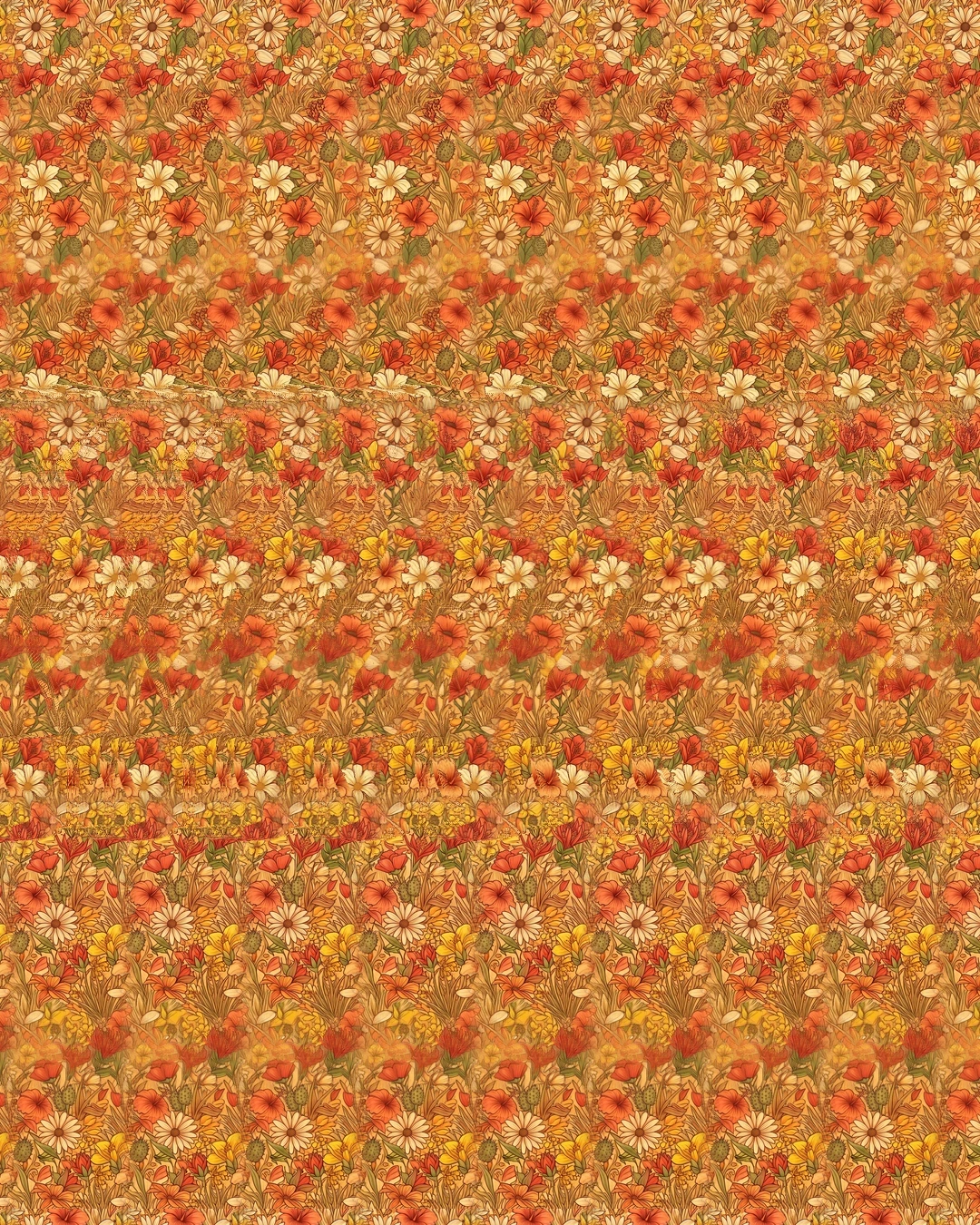
With the chapter's texture
Safari's textures are open in the Studio from the start; finish a chapter and its textures open too, and the Studio pack opens them all. In the game, if your eyes find the plain pattern easier, you can switch back to it on the level screen.
Your photo never leaves your phone
Picking a photo needs no gallery permission: the system's own picker opens. Finding the subject, working out the depth and drawing the stereogram all happen on your phone. Your photo is never uploaded to a server, never stored and never shared with anyone. You don't need an account either.
Which photos work best?
- One clear subject: a pet, person or object that stands apart from the background.
- Sharp and well lit: blurry or very dark photos give weak depth.
- Subject in the middle: the left and right edges of a stereogram stay flat, so don't squeeze the subject to the side.
- Scene for deep views: photos that lead into the distance, like a road, a street or a hallway, work best in the Scene look.
Frequently asked questions
Is it free?
Making and previewing stereograms from photos is free, and you save your first photo stereogram free too (with a small logo in the corner). Unlimited saves without the logo come with the Studio pack.
Do I need internet?
No. Only the depth model downloads once, the first time; after that it works without internet.
Which phones does it work on?
iPhone with iOS 16 or later (iOS 17 finds any kind of subject, iOS 16 finds people), and Android phones with up-to-date Google Play services.
Can I do it on my computer?
Photo stereograms are in the app for now. To make a stereogram in your browser with ready-made shapes or your own text, use the stereogram maker on this site.
Updated: